Right beside you, even from afar
Share hard-to-explain screen problems with KNOCK KNOCK. A support specialist can view your screen and help you solve them.
 KNOCK KNOCKGet help · Windows
REMOTE SUPPORT, MADE SIMPLE Preview version now available
KNOCK KNOCK securely connects you with a support specialist using a one-time code,
so you can solve computer problems together on the same screen.
If a support specialist guided you here, click the green panel on the right.
ABOUT KNOCK KNOCK
Share hard-to-explain screen problems with KNOCK KNOCK. A support specialist can view your screen and help you solve them.
SAFE REMOTE SUPPORT
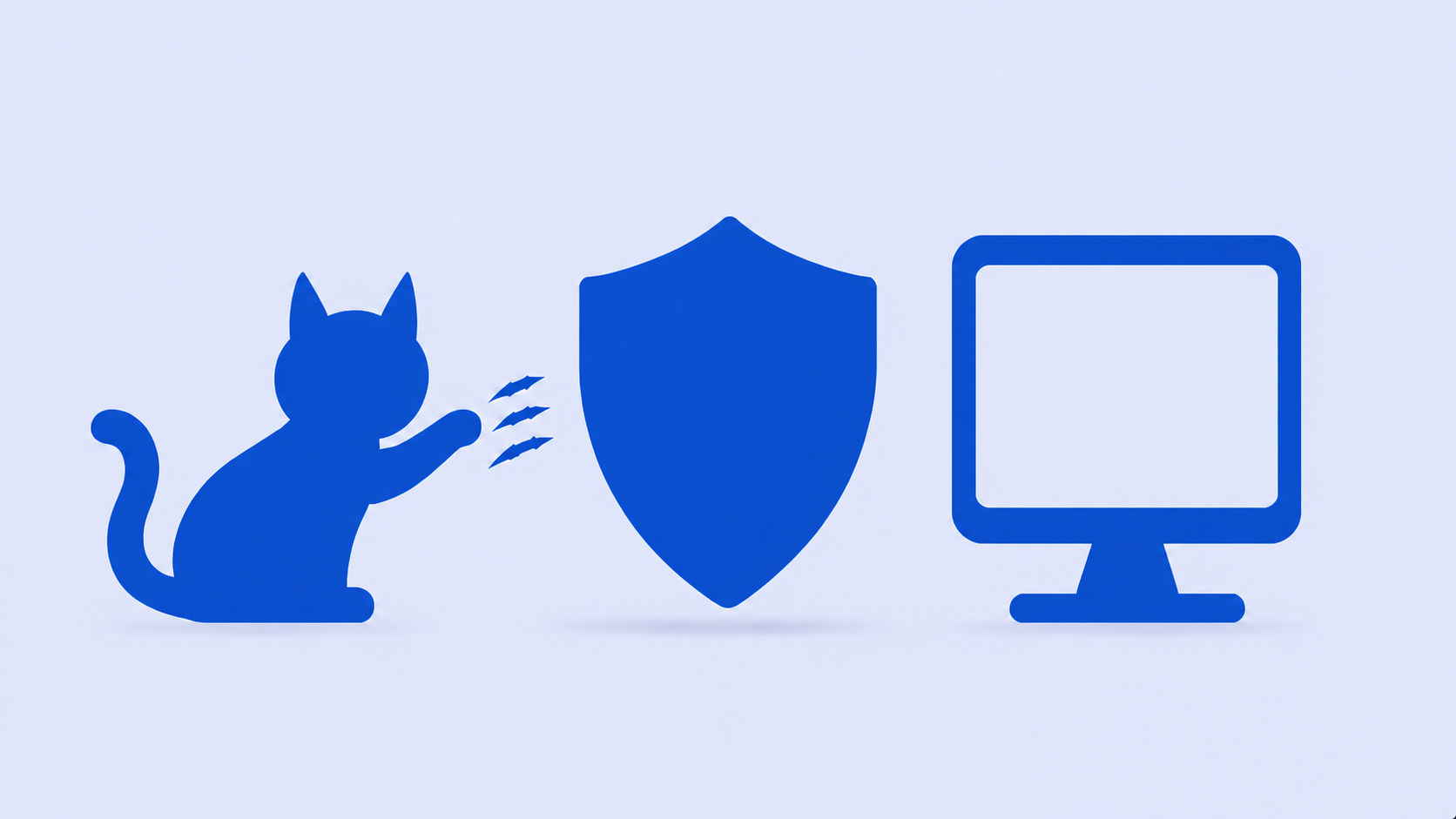
Remote support data is encrypted securely between devices.Even when relayed, the server administrator cannot view its contents.
Screen, input, chat, clipboard, and file transfers are encrypted with AES-256-GCM.
HOW IT WORKS
Start a remote support session with the code you received—no complicated address or setup required.
Screen sharing and approved keyboard and mouse control help identify problems quickly.
DOWNLOAD KNOCK KNOCK
REMOTE SUPPORT GUIDE
See who KNOCK KNOCK is for and how it helps.
↗Review Mac permissions and the support-code connection process.
↗Learn how to connect safely with a support code and disconnect.
↗Download the app, enter a code, and approve the session.
↗Provide a code and begin an approved support session.
↗Learn about approval and end-to-end encryption.
↗Open the app, enter the one-time code from your support specialist, and approve the connection.
No. Screen sharing starts only after you check the displayed specialist and approve the session.
Remote support data, including screen and input data, is end-to-end encrypted between devices.